Definition
A HIPAA authorization (also called a release of information) is a signed form allowing a named person to receive records, test results, or care discussions from a specific provider.
 Start Your Care Space
HIPAA protects your loved one's privacy — but without written authorization, adult children often cannot access the medical information they need to help. Learn how authorization works and complete forms before the next hospital call.

Answer: Providers protect patient privacy by default. Without a signed HIPAA authorization on file, even concerned adult children may be turned away.

Dad hospitalized
Adult child calls doctor's office
Office refuses to share information
Family discovers no HIPAA authorization exists
Simple form solves future communication
This guide explains the process in plain language. It is not legal advice. When capacity, guardianship, or complex family situations are involved, consult an elder law attorney or the provider's privacy office.
Answer: HIPAA authorization is a signed form that names who may receive your parent's medical information from a specific provider.
The Health Insurance Portability and Accountability Act (HIPAA) sets federal rules for how healthcare organizations handle patient information. For family caregivers, the practical question is simpler: who is allowed to hear or receive medical details about your parent?
A HIPAA authorization (also called a release of information) is a signed form allowing a named person to receive records, test results, or care discussions from a specific provider.
When you need to call the doctor, receive lab results, coordinate siblings, or manage insurance questions on your parent's behalf — and the office does not already have your name on file.
When your parent is present and gives verbal permission during a visit, or when you hold separate legal authority such as healthcare proxy that the provider recognizes for that specific request.
It gives the office permission to share defined information with you by phone, portal, fax, or mail. It helps siblings coordinate medications, insurance questions, and follow-up care from one accurate source.
It does not let you make medical decisions for your parent unless you also hold healthcare proxy or power of attorney authority. It does not work at every provider from one signature. It does not replace calling 911 in an emergency.
Many families confuse HIPAA authorization with other legal documents. The access comparison below shows what a signed release typically covers.
Receive test results, visit summaries, and discharge papers when named on the form.
Authorization shares information. Treatment decisions require healthcare proxy or medical power of attorney.
Many insurers accept authorization for coverage and prior authorization calls. Confirm with each carrier.
Providers may share limited information with family involved in care during emergencies, but a signed form prevents delays.
For the full HIPAA access workflow inside your family medical system, see the HIPAA access section in our organizing guide and our HIPAA position statement.
Answer: Complete authorization before you need it — especially after hospital discharge, when memory changes, or when siblings coordinate from different cities.
“The nurse cannot discuss Dad's discharge plan with me.”
Admission and discharge planning often require a signed release before staff discuss details with adult children.
“The cardiologist won't call me back about Mom's test results.”
Each specialist maintains separate records. Request a form from every active specialist office.
“Mom forgets what the doctor said, and I cannot get the notes.”
Complete authorization while your parent can still sign. It becomes harder to establish access after capacity declines.
“I pick up prescriptions but the pharmacist cannot discuss interactions.”
Pharmacies may not discuss refills or interactions with family without authorization, even when you pick up medications.
“I live two states away and cannot get updates by phone.”
Remote siblings need their names on file at each provider to receive phone and portal updates from afar.
“We rushed to the ER and nobody could tell us what was happening.”
Pre-completed authorizations reduce hallway confusion when every minute counts and stress is high.
Answer: Block one afternoon to work through every provider your parent sees regularly. Track progress in your family medical organizer.
Call each office's medical records or front desk line to request their current HIPAA or release-of-information form. Return completed forms by mail, fax, patient portal, or in person, and ask for confirmation the authorization is on file. Scan signed forms into your shared family folder the same day. Review expiration dates annually and add new providers after every hospital stay.
Use the checklist in your family medical information organizer to track which offices have your signed release and which still need a visit or phone call.
Answer: Most access problems are process problems, not bad intentions.
❌ Waiting until someone is hospitalized
✅ Complete HIPAA forms before an emergency
❌ Only completing one provider
✅ Request a form from every active office
❌ Using outdated forms
✅ Always request the current version
❌ Forgetting specialists
✅ Track every specialist on your provider list
❌ Not keeping copies
✅ Scan every signed release the same day
❌ Not informing siblings
✅ Share copies with every coordinating sibling
❌ Missing signatures
✅ Verify every required line before submitting
Answer: Healthcare staff follow strict privacy rules. Authorization turns good intentions into permission providers can act on.
Healthcare organizations face strict penalties for improper disclosure. Staff are trained to verify authorization before discussing records by phone, even when the caller is clearly a concerned adult child. That caution protects patients. It can feel personal when you are trying to help.
The U.S. Department of Health and Human Services HIPAA guidance explains patient rights and when information may be shared with family involved in care. The National Institute on Aging recommends completing healthcare documents before a crisis.
Authorization ensures only named family members receive sensitive medical details — protecting your parent while enabling coordinated care.
Your parent chooses who receives information and can revoke authorization in writing at any time while they have decision-making capacity.
Pre-completed forms prevent hallway holdups so siblings coordinate from the same facts instead of guessing.
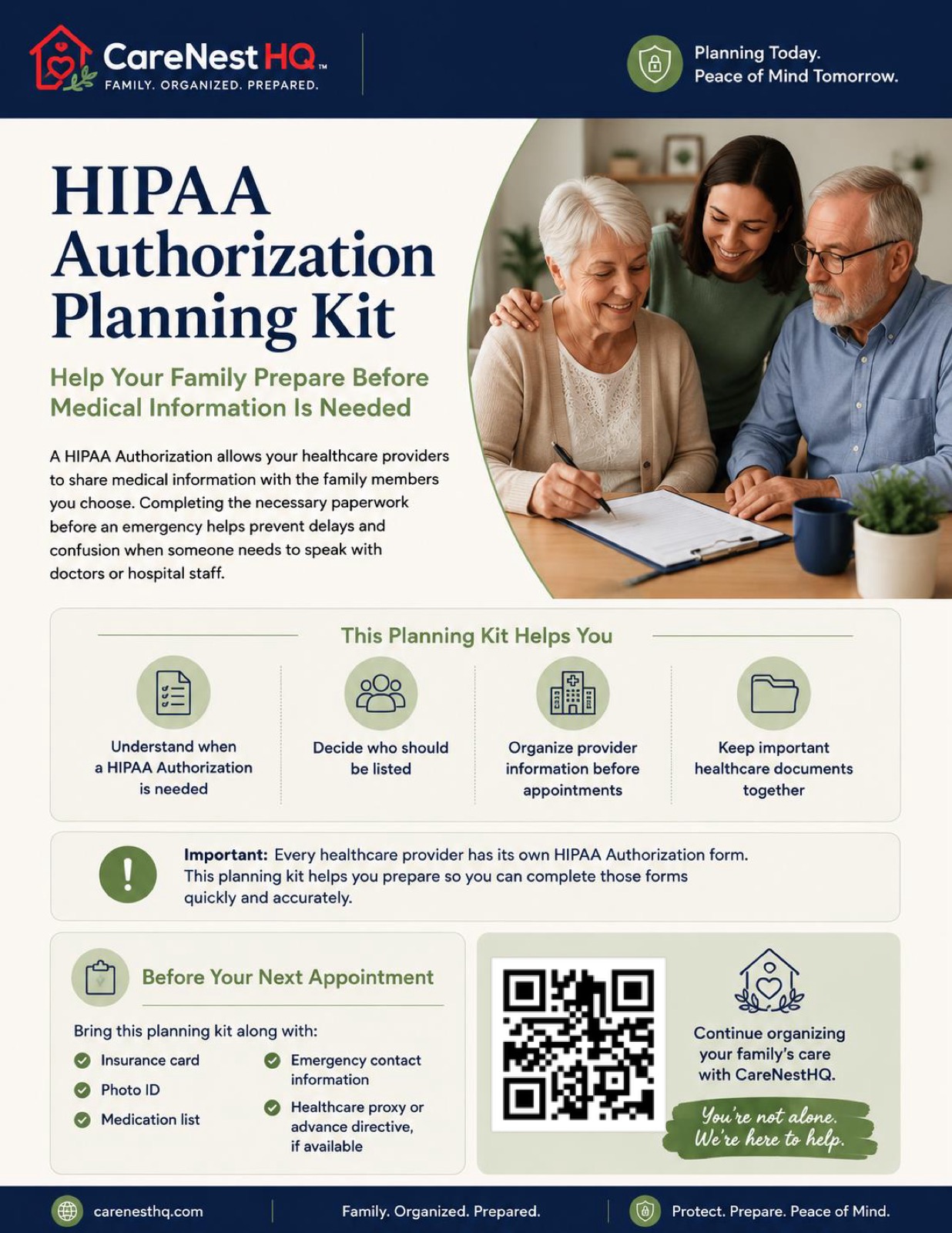
An eight-page educational guide for families: what HIPAA authorization is, when you need it, how to work with provider offices, and how to track signed releases across your parent's care team. Most families need about 45 minutes to identify providers and start the first three authorizations.
Answer: Build your family medical system step by step — starting with authorization, then emergency information, medications, and coordination.
Karen helps her mother from another state. When Mom was admitted to the hospital, the nurse could not discuss treatment because Karen was not listed on a HIPAA authorization.
Karen spent hours in the hallway trying to piece together medication changes from memory. Her brother at the hospital had the same problem — each sibling heard fragments but neither could confirm details with the care team.
After completing authorization forms with Mom's primary care office and the hospital system, providers were able to communicate directly with Karen during future appointments. Medication updates reached both siblings the same day instead of days later.
Download practical resources, organize important medical information, and keep everyone informed.
No — most providers require their own release-of-information form.
A signed authorization at one hospital does not automatically transfer to your parent's primary care office, specialists, or pharmacy.
Yes — hospital systems, clinics, and insurers often use different templates.
Request the current form from each office and keep a completed copy for every active provider.
Sometimes — your parent can name multiple family members on one form when the provider allows it.
Many offices prefer separate signed releases for each adult child who needs phone or portal access.
Yes — your parent can revoke HIPAA authorization in writing at any time.
This applies while they have decision-making capacity. Notify each provider and remove outdated copies from your family organizer.
Duration depends on the form — some expire after one year, others last until revoked.
Note expiration dates in your family medical information organizer and renew before they lapse.
Every coordinating sibling should have access to signed copies.
Store them in your shared family medical folder and keep one printed copy with your emergency medical packet.
Many providers accept electronic signatures or patient portal submissions.
Ask each office which methods they allow. Save confirmation emails or portal screenshots with the signed PDF.
No — HIPAA privacy rules change after death.
Authorization to discuss care during life does not automatically grant access to all records afterward. Consult the provider's medical records department for post-death requests.
No — marriage does not replace a signed HIPAA release.
Spouses still need written authorization unless they hold healthcare proxy authority or the provider has another legal basis to share information.
Complete authorization while your parent can still sign when possible.
If capacity is in question, ask the provider's privacy office about healthcare proxy, guardianship, or other legal pathways. This guide is not legal advice.