Friend ask guide

How to Ask Friends for Help with Meals

Friends will usually help when the ask is one short message and one place to claim a date.

  1. Decide which friends you are asking.
  2. Write one short message.
  3. Name only the dates that still need a meal.
  4. Share one link. Keep the address off the group text.
  5. Close the list when enough people have claimed.

Friends get a date they can claim. The household gets meals without ten threads.

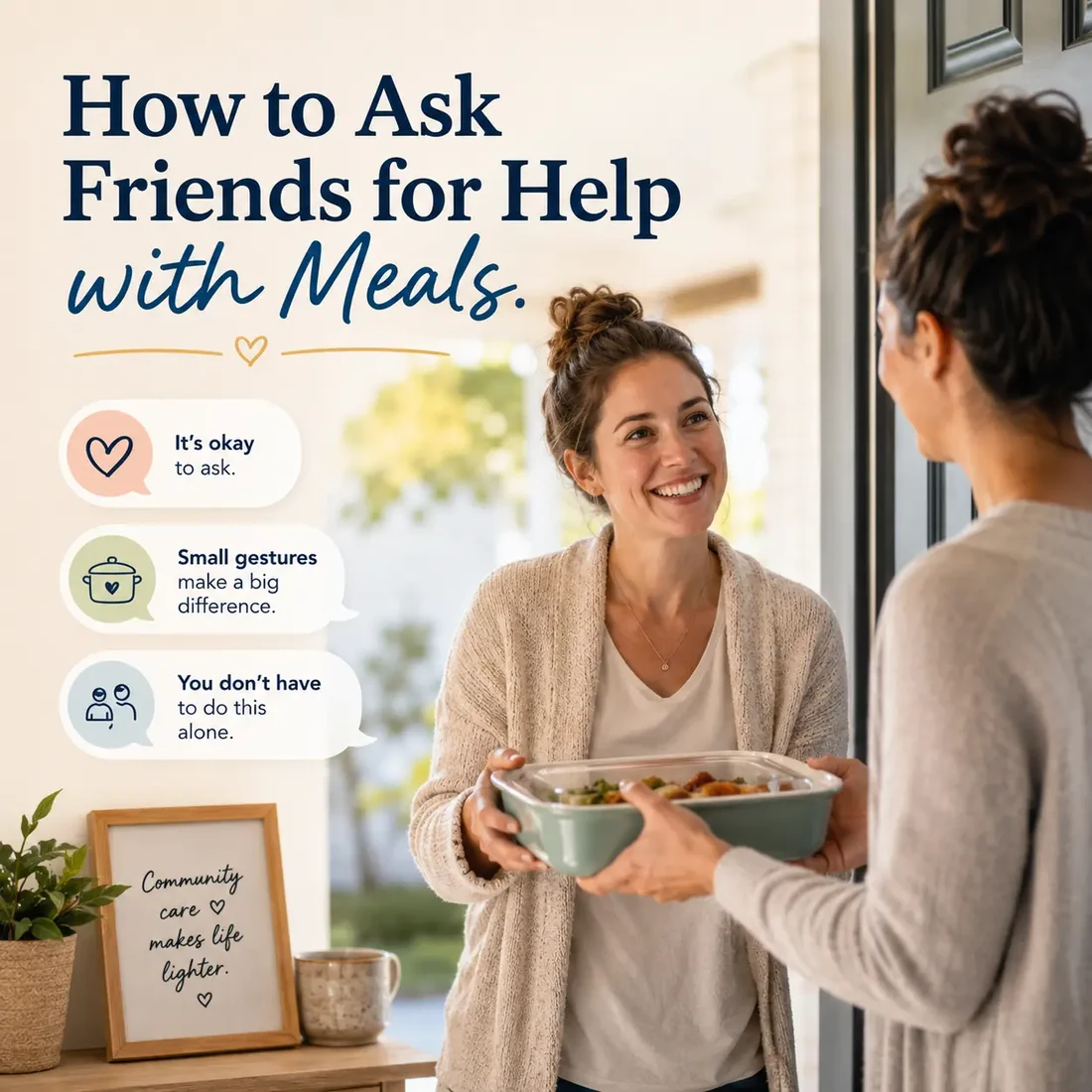
A friend hands a covered dish to someone at a front door. The image includes the title How to Ask Friends for Help with Meals.

Start here: ask friends for meal help

Step 1

Decide which friends you are asking

Ask the people who already know the household: a group text, neighbors on the street, coworkers who offered to help. Write names in one list so you do not send two different asks. This is not a church bulletin or a care-team roster. If the household already has a congregation coordinator, do not start a second list. Point that reader to the live church guide.

Step 2

Confirm the household still wants meals

Send one short confirmation before you ask anyone else. Ask which dates would help and whether friends should drop food on the porch or hand it off. Write what they tell you. Do not interview them through the family-guide checklist. Do not invent a menu.

Step 3

Write one short ask

One message. Name who you are helping (only if they are comfortable), how many meals you need, and how a friend claims a date. Do not write a speech. Do not send a different wording in five chats. This is the meal support message.

Hi friends. [Name] could use a few dinners this week. I put the open dates in one place. Claim a date if you can bring a meal. The address shows up after you claim. Thank you.

Step 4

Name only the dates that still need a meal

List the open dates the household asked for. Leave extra days off until they ask for them. A long empty calendar is harder to claim than three clear nights.

Step 5

Share one link or one list

Send the same link (or the same list) to the friend group. When a date changes, update that one place. Do not start a new thread for each yes. Click-by-click invite steps live in Help: Inviting Volunteers.

Step 6

Make claiming easy

Friends open the link and claim an open date. They do not need an account. They do not need the CareNestHQ app. If you are using a spreadsheet instead, they reply with the date and you mark it claimed.

Step 8

Follow up once, then close when enough people have claimed

If a date is still open, send one reminder with the same link. Do not nag. If someone cancels, mark that date open again on the same list. When the household has enough help, close the schedule so extra meals do not arrive.

If you would rather keep the schedule on one shared page instead of a group text, create a free Community Meals page.

A phone list or spreadsheet still works

You do not need a new tool to ask friends. A phone list or spreadsheet works. Keep one row for each meal date.

Meal plan spreadsheet columns
Date Meal window Status Helper name Helper contact Drop-off notes
(day) (time window the household named) Open / Claimed / Canceled / Delivered (name) (phone or email) (porch, handoff, no visit)
Date
(day)
Meal window
(time window the household named)
Status
Open / Claimed / Canceled / Delivered
Helper name
(name)
Helper contact
(phone or email)
Drop-off notes
(porch, handoff, no visit)

Put household notes at the top of the sheet:

  • allergies and food preferences they shared
  • how many people are eating
  • leftovers and container returns
  • porch drop-off, handoff, or visit preference
  • the person who is sending the ask

Share one view-only copy when possible. If you use screenshots, resend an updated version whenever a date changes. A small group can use a text thread. More friends usually need one shared list so two people do not cook the same night.


Keep addresses and delivery details private

Ask before sharing the address. Do not put the address or gate codes in the group text.

Frequently asked questions

Is this a meal train?

People often call this kind of shared meal schedule a meal train. CareNestHQ calls this Community Meals. The goal is the same: organize who is bringing meals and when.

What should I say when I ask friends?

Keep it to one short message. Name the dates that still need a meal and how to claim. Use the sample in Step 3. Do not write a different speech for each friend.

Who should I ask?

Ask friends, neighbors, and coworkers who already know the household. If a congregation coordinator is already organizing meals this week, do not start a second list. Use the church guide instead: https://carenesthq.com/how-to-organize-church-meals/

Do my friends need an account?

No. Volunteers do not need an account. Share one link with the people helping.

Is Community Meals free?

Yes. Community Meals is free. Volunteers do not need an account, and the CareNestHQ app is not required.

Who gets the address?

Share the address only with the person bringing that meal. Do not put the address or gate codes in the group text. Delivery addresses stay off the open-date list and appear after a volunteer claims a meal.

What if no one claims a date?

Send one reminder with the same link. Do not start a second list. If the date stays open, ask the household whether to leave it or take it down.

What if someone cancels?

Mark the date open again on the same schedule and let the friend group know. Do not start a second list.

Ready to send one ask?

Create a free Community Meals page, add the dates that still need a meal, and share one link with your friends.

Free. Volunteers do not need an account.

CareNestHQ was built by a son who wanted families like his to have an easier way to organize support.