Organizer change guide

How to Hand Off the Meal Organizer Role

Handing off the meal organizer role means transferring the schedule, helper contacts, open dates, delivery notes, and responsibility for future updates to one new organizer.

Changing organizers should not mean rebuilding the meal schedule. Stay on the same Community Meals page and the same unique link so dates, claims, and helper expectations stay together.

If you already have a page, send that same link to the next person. Organizers create and share one page. Helpers claim dates from that link with no account. There is no in-product owner transfer.

  1. Confirm you already have a meal page, or create one first.
  2. Name the new organizer with the family.
  3. Stay on that same page. Do not start a second one.
  4. Send the same page link to the new organizer.
  5. Keep date changes with the person who created the page.
  6. Tell helpers who is coordinating now.
  7. Let them claim from the same link.
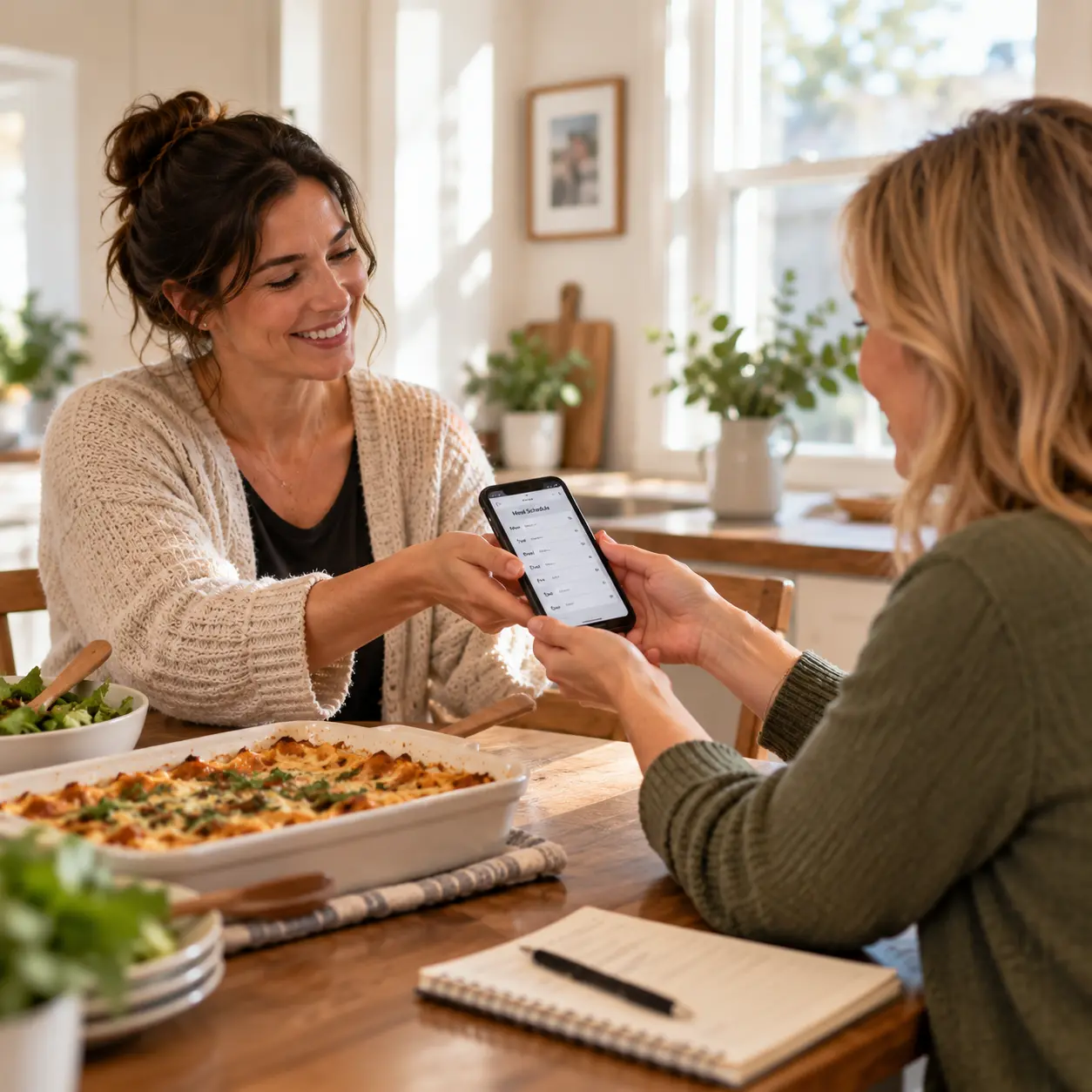
Two people handing off a meal schedule while coordinating meals at a kitchen table

Start here: hand off the meal organizer role

Step 1

Confirm you already have a meal page

If you do not have a page yet, create one first. A free Community Meals page is the honest start. Changing organizers with no page is just another group text.

If you already have a page, stay there. Do not open a second Community Meals page for the same family and week.

Step 2

Name who will run helper messages now

Tell the family who the new organizer is. One named person keeps dates from splitting. The new person can be a sibling, friend, neighbor, or church coordinator.

If nobody ever stood up a plan, use the family checklist first. This page does not retell that job.

Step 3

Stay on the same meal page

Helpers already have one link. A second page splits claims. Notes, open dates, and who already cooked live on the page you have.

The new organizer uses that same link. Helpers keep claiming there with no account.

Step 4

Give the new organizer the same page link

Copy the link you already shared. Send it to the person taking over helper messages. Click-by-click invite steps live in Inviting Volunteers.

Do not start a new ask thread that hides the calendar. The first friend message belongs on the ask guide, not this change.

Step 5

Keep date changes with the person who created the page

After publish, CareNestHQ emails the organizer a private link to the Dashboard. That is how the person who created the page updates dates, pauses, or closes the schedule.

There is no transfer-owner screen, permission change, or Hand Off button. Do not wait for a product email that changes who can manage dates.

The next organizer coordinates helpers from the same shared page. If dates need to change, the person who received the organizer email updates them from that manage link.

Step 6

Tell helpers who is coordinating

Send one short note on the same link. Name the new organizer. Ask people to claim there, not in a side text.

Hi friends. [Name] is coordinating meals now. Use the same page to claim a night. Thank you.

If a congregation is already bringing meals, stay on that same page. The church guide is for the coordinator job, not a second list.

Step 7

Keep claims on one list

Friends open the same link and take an open night. They still do not need an account, and they still do not need the CareNestHQ app.

When someone claims a night, CareNestHQ can email the organizer who created the page. When someone cannot come, open that date on the same page. Two lists are how two dinners land on the same night.

Step 8

Pause or close when the week is covered

When the week is covered, the person who created the page can pause or close it from the organizer dashboard. An open list after the family is done is how extras show up.

The next organizer does not get a separate close control. Use the same manage link the creator already has.

If the plan still lives in a phone list

If meals still live in a text thread or phone list, the handoff is where that plan usually breaks. Updates land in different threads. Dates change in one copy and not another. The old organizer still gets questions. Nobody is sure which list is current.

A phone list can help you collect names for a day or two. It is not the same as one shared page. Fragmented updates are how a night gets two dinners, or none.

The preferred path is one shared place for the active schedule and the organizer details. Move the current dates and notes onto one Community Meals page, then send that same link to the next organizer. Do not start a second list for the same family and week.

Do not post the family address in the same message as the full helper list.

Keep addresses and delivery details private

Share the address with the person bringing that meal, not with the whole list. Changing organizers is not a reason to paste the address into the group text.

  • Community Meals pages are shared by link and not listed for public search.
  • Anyone with the link is able to view the page, so share the link only with the people helping.
  • Delivery addresses stay off the open-date list and appear after a volunteer claims a meal.
  • Only include household information they are comfortable sharing with everyone who receives the link.

See the Privacy Policy.

Hand off the meal organizer role on the same page

If the schedule already lives on a Community Meals page, the next organizer should not rebuild it. Keep the dates, helpers, and updates together on the same page and the same link.

  • Same page for last week's claims and the nights still open
  • Family notes stay on the page so you do not rebuild them (Community Meals Help)
  • Same link for helpers, with no volunteer account
  • To add dates, pause, or close, use the organizer email sent when the page went live. There is no owner-transfer screen.

Community Meals is free. Volunteers need no account. See Inviting Volunteers. The CareNestHQ app is not required.

If you already have a page, stay on it. If you do not have one yet, create a free Community Meals page first. Do not tell helpers to claim on a page that does not exist.

Frequently asked questions

What does hand off meal train organizer mean here?

People often search that phrase when they need to change who runs the list. CareNestHQ calls this Community Meals. Handing off means one new organizer takes the same meal page, not a new program.

Do I create a second Community Meals page?

No. Use the page you already shared. A second page splits claims and hides the notes you already wrote. The new organizer uses the same link.

How does the new organizer get dashboard access?

There is no owner-transfer or permission screen. After publish, CareNestHQ emails a private manage link to the person who created the page. The next organizer coordinates from the same shared page. Helpers claim that link with no account.

Can I stay as the dashboard holder?

Yes. The person who created the page can keep that manage link and let the new organizer run helper messages from the same page. Helpers still claim on that same link.

Do volunteers need an account after the change?

No. Helpers claim from the same link. They do not need an account or the CareNestHQ app. They did not need one before, and they do not need one now.

Is Community Meals free when someone else takes over?

Yes. Creating and sharing a Community Meals page is free. A new organizer does not add a volunteer signup wall. Helpers do not pay to claim a date.

Who sees the address after the change?

Share the address only with the person bringing that meal. Delivery addresses stay off the open-date list and appear after a volunteer claims a meal. A new organizer does not change that rule.

What if we never published a page?

Create one first. A free Community Meals page is the honest start. Then share one link. Do not hand off a plan that only lives in a thread if you want one place to claim.

Ready to hand off the meal organizer role?

Keep the schedule you already have. Give the next organizer one shared page to coordinate. Keep address and delivery details controlled. If you do not have a page yet, create a free Community Meals page first.

Free. Volunteers do not need an account.

CareNestHQ was built by a son who wanted families like his to have an easier way to organize support.