Organizer guide

How to Organize Bereavement Meals

Someone you care about needs dinners after a death, and offers are already landing in texts and side conversations. If you are the friend, relative, neighbor, or community member organizing those meals, this guide is for you.

Bereavement meals are meals organized by friends, relatives, neighbors, or a community to support a family after a death. One organizer can coordinate dates, helpers, delivery details, and updates so the family does not have to manage every offer individually.

One shared schedule keeps two dinners from arriving on the same night and an empty night from slipping through. Delivery details stay with the person bringing that meal, not in a group text.

This guide is educational. It is not grief counseling, and it is not medical advice. CareNestHQ is not a healthcare provider. Read the Privacy Policy. The checklist works with a phone list or a spreadsheet.

  1. Confirm the family wants meals, then name one organizer.
  2. Ask what would help: days, preferences, allergies, leftovers, visit or drop-off.
  3. Set dates and write delivery instructions before anyone cooks.
  4. Invite helpers with one message and one schedule. Keep the address off the group text.
  5. Track claims. Pause or close when there is enough.

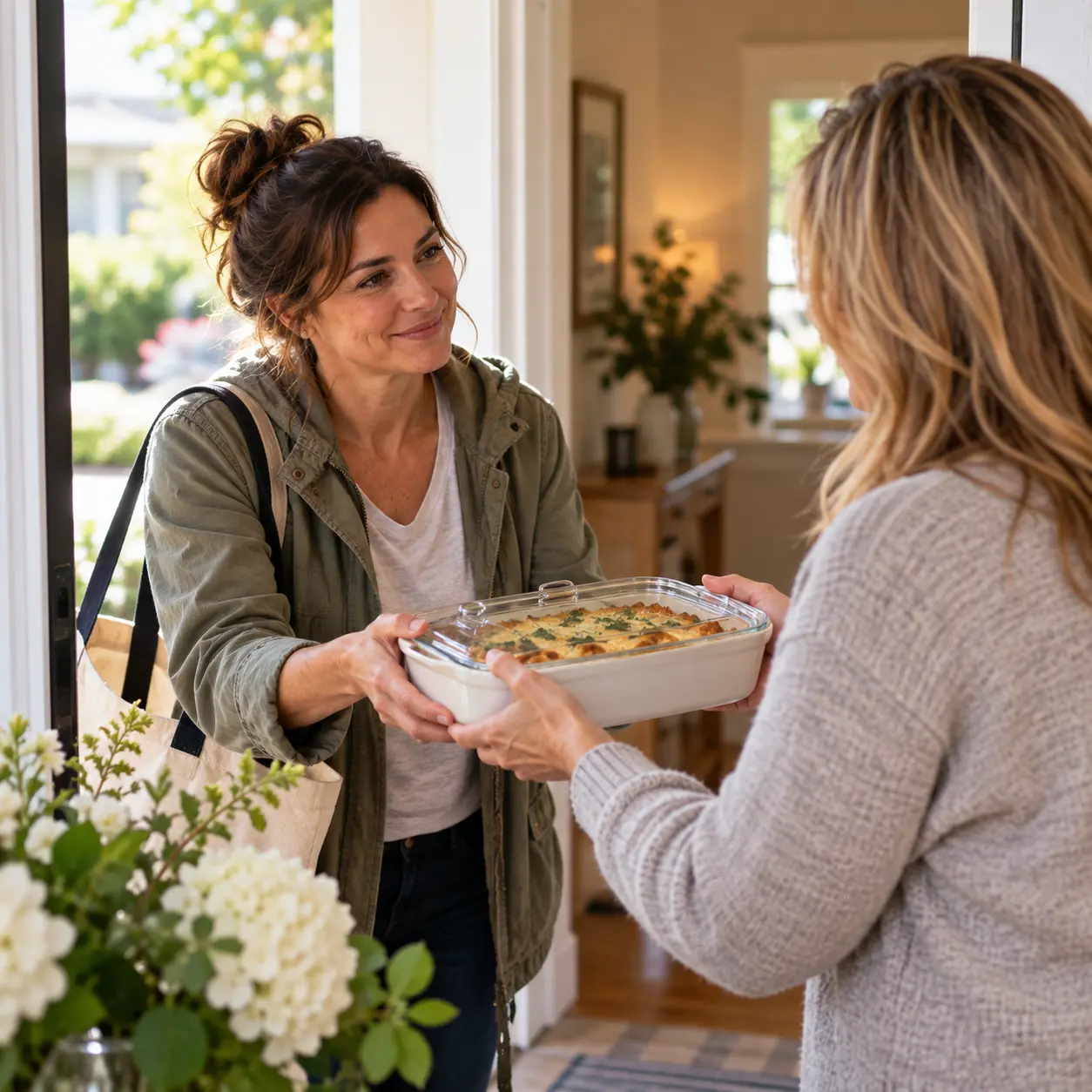
Neighbor delivering a prepared meal to a woman at home

Start here: organize bereavement meals

Step 1

Ask permission and name one organizer

Confirm the family wants meals before you start planning. If they say no, or not yet, stop. There is no obligation to organize meals after a death.

If they say yes, name one organizer. One named person keeps dates from splitting across group texts. The organizer can be a friend, relative, neighbor, coworker, or someone from a church, faith community, or community group. The family should know who that person is. If two people both think they are organizing, dates will collide.

Step 2

Ask the family what would actually help

Do not decide the plan for them. Ask what would help, then write their answers in one place.

Ask which days they want a meal, which days they do not, what preferences or allergies to record, whether leftovers are useful, and whether they want a visit or a drop-off. Write what they say. This page does not recommend food, and it does not give grief-counseling advice.

Step 3

Pick a date range and leave open slots

Choose a start date and an end date that match what they asked for. Leave open slots. A full calendar with no open days is a closed plan, not a working one.

The timeline can be short or longer. A later week of meals after a death can be added on the same list if they ask. Extra days wait until they ask for them.

Step 4

Write drop-off rules before anyone cooks

Write porch versus handoff, visit versus no-visit, and any other drop-off rule before the first helper starts cooking. Helpers should not have to guess at the door.

If they want a porch drop-off and no visit, write that. If they want a short handoff, write that. Share the rule with each helper who claims a date.

Step 5

Make one contact list

Put helpers on one list: friends, family, neighbors, coworkers, and people from a church, faith community, or community group. Phone, text, or email all work. A spreadsheet still works. Do not keep a second list.

Step 6

Share one plan, not ten threads

Send one message with one schedule. When a date changes, update that schedule.

If a congregation or community group is already organizing meals, do not start a second list. Use the church guide.

Step 7

Track claims and changes in one place

When someone claims a date, mark it. When someone cannot come, open the slot again. If claims live only in memory, two dinners can land on one night and another night stays empty.

Step 8

Pause or close the plan when the week changes

When there is enough food, pause or close the plan. If they need a pause, pause. An open plan that is no longer wanted creates extra food and unexpected visits.

A phone list or spreadsheet still works

You do not need a product to finish this job. A phone list or spreadsheet can hold the same checklist.

Use these columns:

Meal plan spreadsheet columns
DateMealHelperDrop-off timeDelivery notesContact status
(day)(what they asked for)(name)(time they named)(porch, handoff, no visit)Open / Claimed / Paused
Date
(day)
Meal
(what they asked for)
Helper
(name)
Drop-off time
(time they named)
Delivery notes
(porch, handoff, no visit)
Contact status
Open / Claimed / Paused

Keep one row per meal slot. When a helper claims a date, fill Helper and change Contact status to Claimed.

Share the list with helpers who need it. Do not put the delivery address in the same message as the full helper list.

Keep addresses and delivery details private

Share the address with the person bringing that meal, not with the whole list. Helpers who are not delivering that day do not need the address.

Write drop-off notes (porch, gate, handoff, no-visit) on the plan. Keep the street address out of group texts.

A Community Meals page is shared by link and is not listed for public search. Anyone with the link can view the page, so share it only with the people helping (Delivery). Delivery addresses stay off the open-date list and appear after a volunteer claims a meal.

Include only information they are comfortable sharing with everyone who receives the link.

Keep the bereavement meal schedule in one place

Once the checklist is in motion, the hard part is keeping dates, helpers, and updates in one place so the grieving family is not managing every offer. Community Meals holds that schedule on one shared page.

Create a Community Meals page with the dates, delivery details, and preferences they asked for, then share one unique link. Volunteers claim from that link. The schedule updates as people claim. Creating and sharing a Community Meals page is free. Volunteers do not need an account.

The page is shared by link and is not listed for public search. Delivery addresses appear after a volunteer claims a meal, not on the open-date list.

  • Dates, preferences, and delivery notes stay on the page so you do not rebuild them
  • One link for the people helping
  • You can update dates, pause, or close from the organizer email link

Click-by-click steps live in Help: Creating a Page, Inviting Volunteers, Delivery, and Dashboard.

Use the family checklist if you want the same organizer steps without the bereavement label. The ask guide is for the first friend message. Point a congregation coordinator to the church guide instead of opening a second list.

Frequently asked questions

Is this a meal train?

People often call a shared meal schedule a meal train, including meals after a death. CareNestHQ calls this Community Meals. This page teaches the organizer job. It does not target meal-train product names.

Do volunteers need an account?

Friends and family can claim a meal date with your link. No account or payment is required for volunteers. The CareNestHQ app is not required. See Inviting Volunteers.

Is Community Meals free?

Yes. Creating and sharing a Community Meals page is free. Helpers do not pay to claim a date.

Is this grief counseling or medical advice?

No. This guide is educational. It does not give grief-counseling advice. CareNestHQ is not a healthcare provider and does not provide medical advice. Ask the family, and follow their care team.

What meals should we bring?

This guide does not recommend food. Ask the family what would help, and write what they tell you. Do not turn their situation into a diet plan.

Who can see the page?

Anyone with your link can view the page. It is shared by link and is not listed for public search. Delivery addresses stay off the open-date list and appear after a volunteer claims a meal.

Can we pause if plans change?

Yes. You can pause or close the schedule when plans change. An open list after they are done is how extras show up.

Are funeral meals a different job?

Funeral meal support still needs one organizer and one schedule. Meals after a death use that same list. Do not start a second list for the funeral week.

How to Organize Meals for a Family in Need

A family or neighbor checklist for the same organizer job.

How to Ask Friends for Help with Meals

Write one ask and share one link so friends can claim a meal date.

How to Organize Church Family Meals

When a congregation is organizing meals for one family this week.

Inviting Volunteers

How to share one link with the people helping.

Ready to put bereavement meals on one page?

When the plan is working, keep it on one page so dates do not split. Create a free Community Meals page. This guide is educational. CareNestHQ is not a healthcare provider and does not provide medical advice. Read the Privacy Policy.

Free.

CareNestHQ was built by a son who wanted families like his to have an easier way to organize support.